On This Page
Create a P12 Certificate
Follow these steps to create a P12 certificate file if you are using JSON Web Tokens to
secure communication:
- Log in to theSmartpay Fuse Portal:
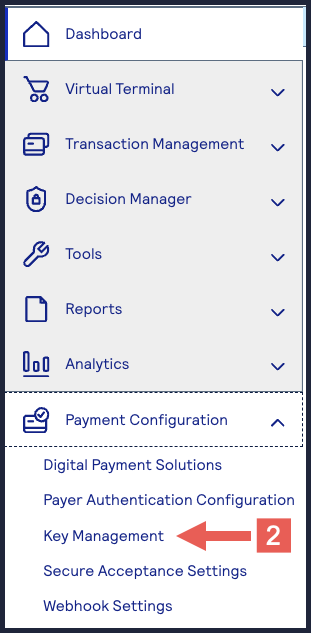
- On the left navigation panel, choose
 Payment Configuration > Key Management.
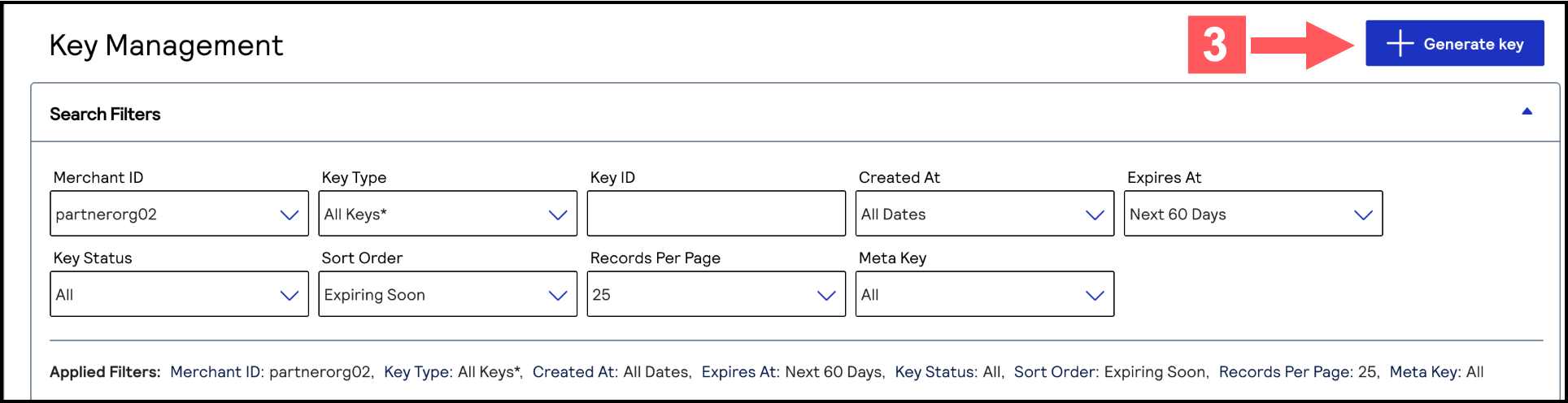
- Click+ Generate keyon the Key Management page.
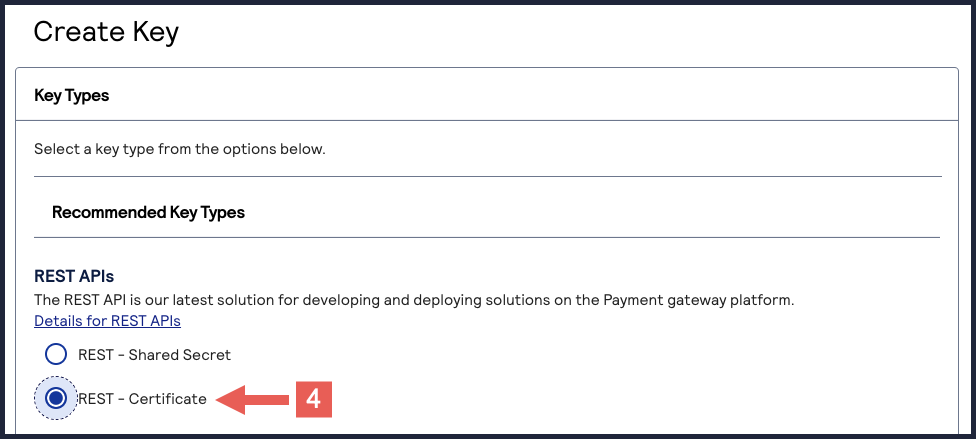
- Under REST APIs, chooseREST – Certificate, and then clickGenerate key.The Key Generation page appears.If you are using aportfolioaccount, the Key options window appears, giving you the choice to create a meta key.
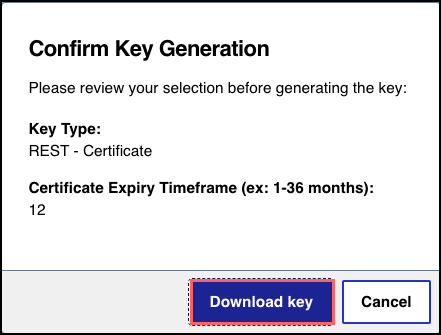
 The Confirmation Key Generation window appears.
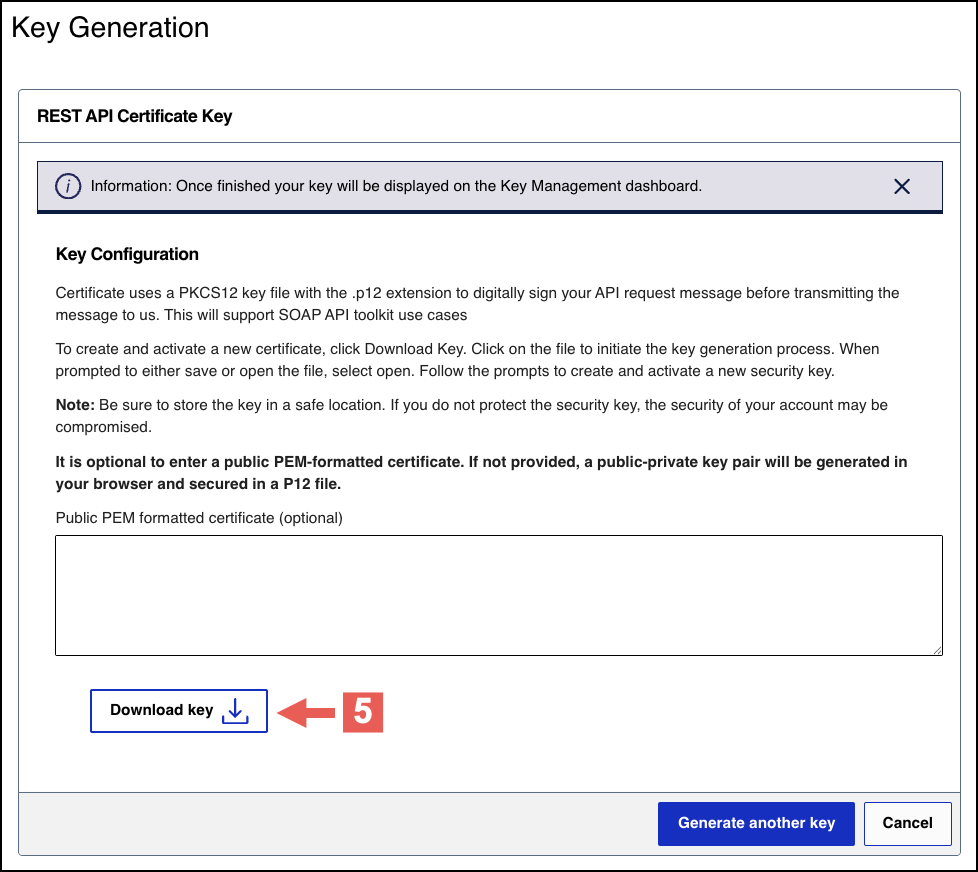
- ClickDownload keyafter reviewing the key details.
 The Key Generation page appears.
- (Optional) You can set the Certificate Expiry Timeframe field to the number of months you want the key to remain active before it expires. Only whole numbers from 1–36 are accepted. By default, new keys expire after 12 months.
- ClickDownload key
 .
- Create a password for the certificate by entering one into theNew PasswordandConfirm Passwordfields. ClickGenerate key.
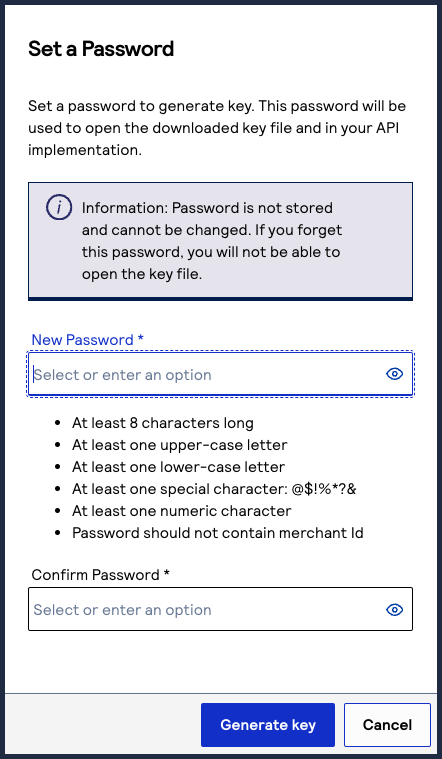 The.p12file downloads to your desktop.If prompted by your system, approve the location to which the key downloads.
To create or upload another key, click
Generate another key
. To view
all of your created keys, go to the Key Management page.IMPORTANT
Securely store the
.p12
file and password in your system.
These credentials are required in order to implement certain products, and you must
be able to access them.