On This Page
REST API | Barclays
Creating a P12 Certificate
Complete this task if you are using JSON Web Tokens to secure communication.
- Log in to theSmartpay Fuse Portaland open the home page.
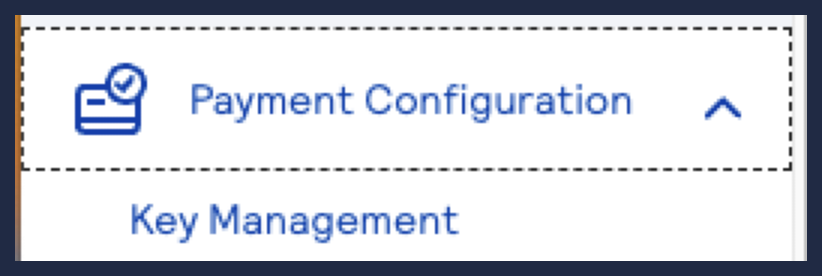
- Navigate toPayment Configuration>Key Management.
- ClickGenerate key.

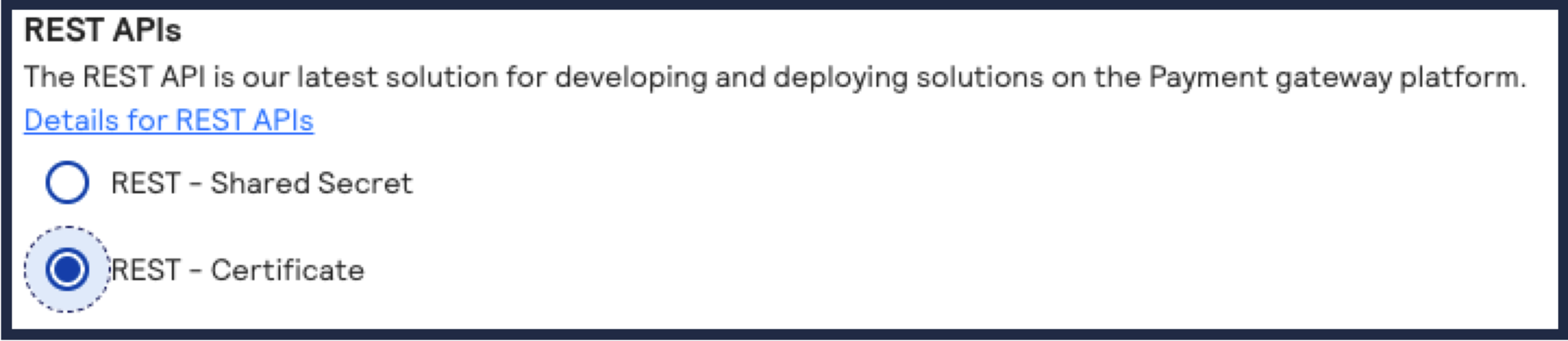
- Under REST APIs, selectREST – Certificateand clickGenerate key.
- ClickDownload Key.
- The downloaded P12 certificate will be downloaded to your desktop.
When you have generated one or more keys, you can view these keys on the Key Management page
under Payment Configuration.