On This Page
Look and Feel UI Examples
These examples show the different preview screens for each look and feel customization
feature:
Button List
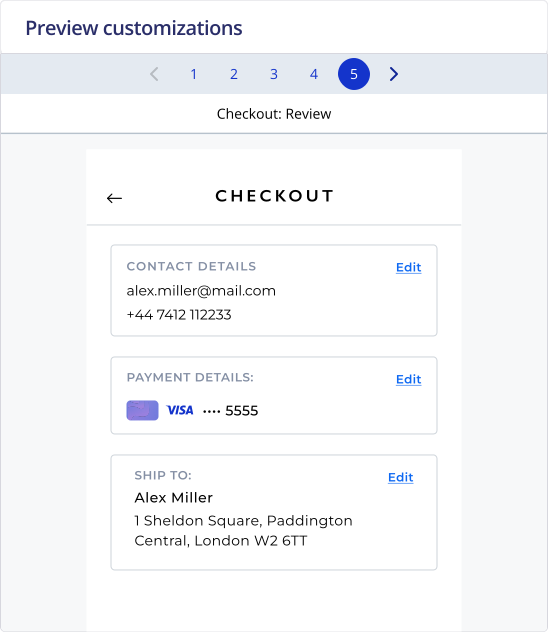
This example shows the button list:
Figure:
Screen 1: Button List
Contact Details
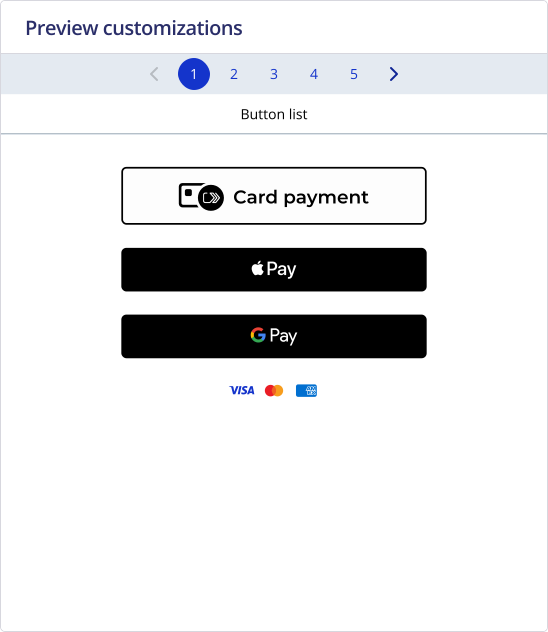
This example shows the contact details that appear during checkout:
Figure:
Screen 2: Contact Details
Saved Cards
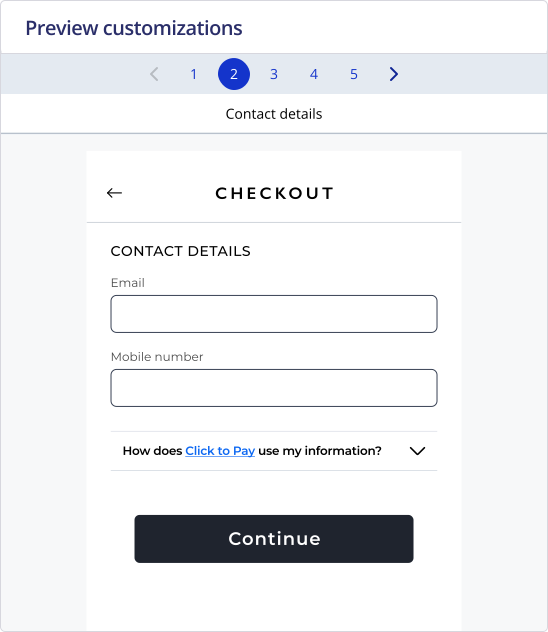
This example shows the saved card payment details that appear during checkout:
Figure:
Screen 3: Saved Cards
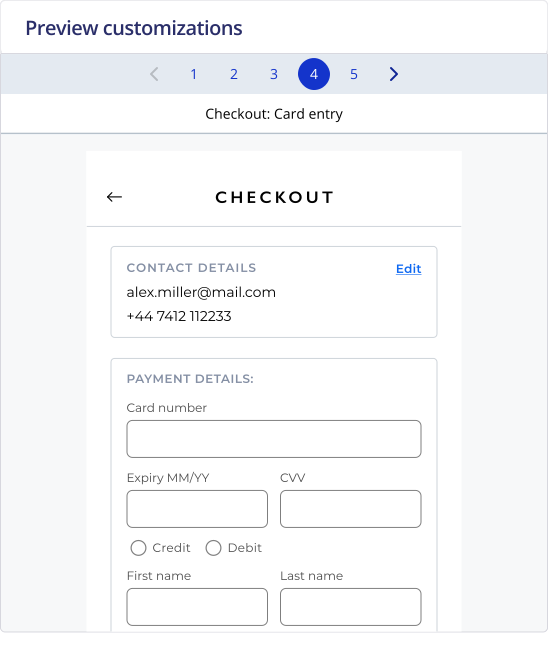
Card Entry
This example shows the card entry payment details that appear during checkout:
Figure:
Screen 4: Card Entry
Review Details
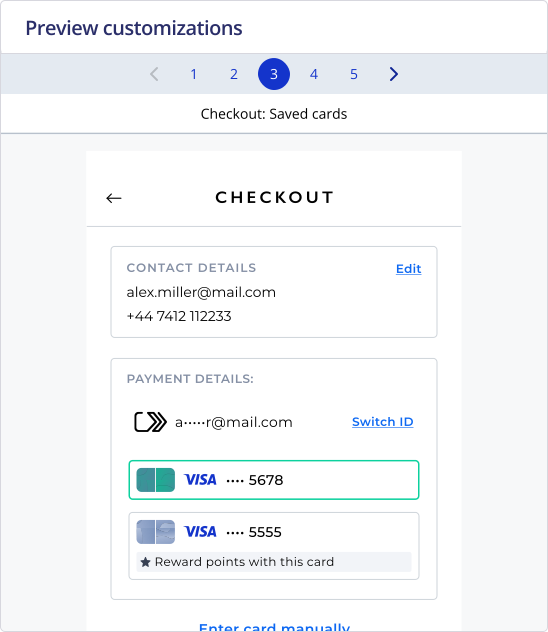
This example shows the review contact details that appear at the end of checkout:
Figure:
Screen 5: Review